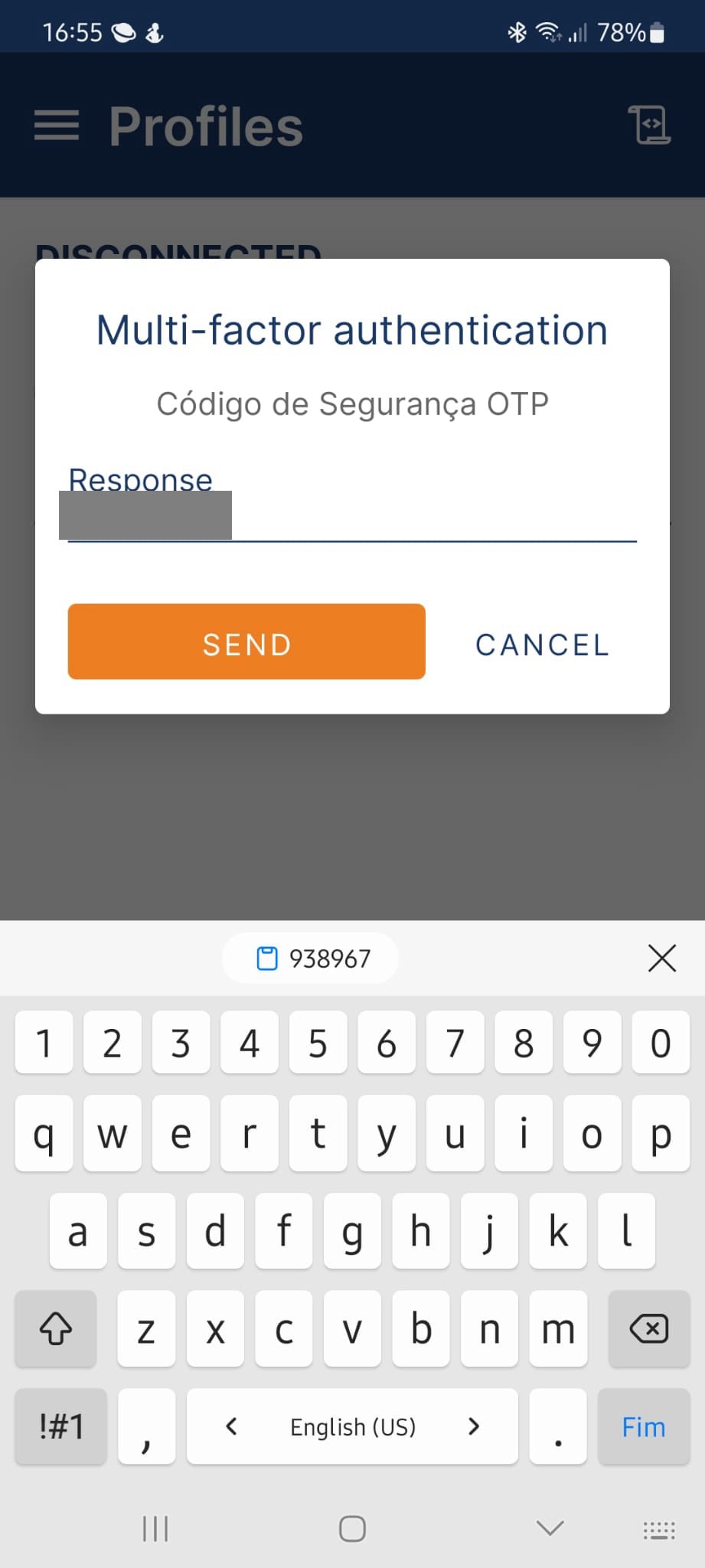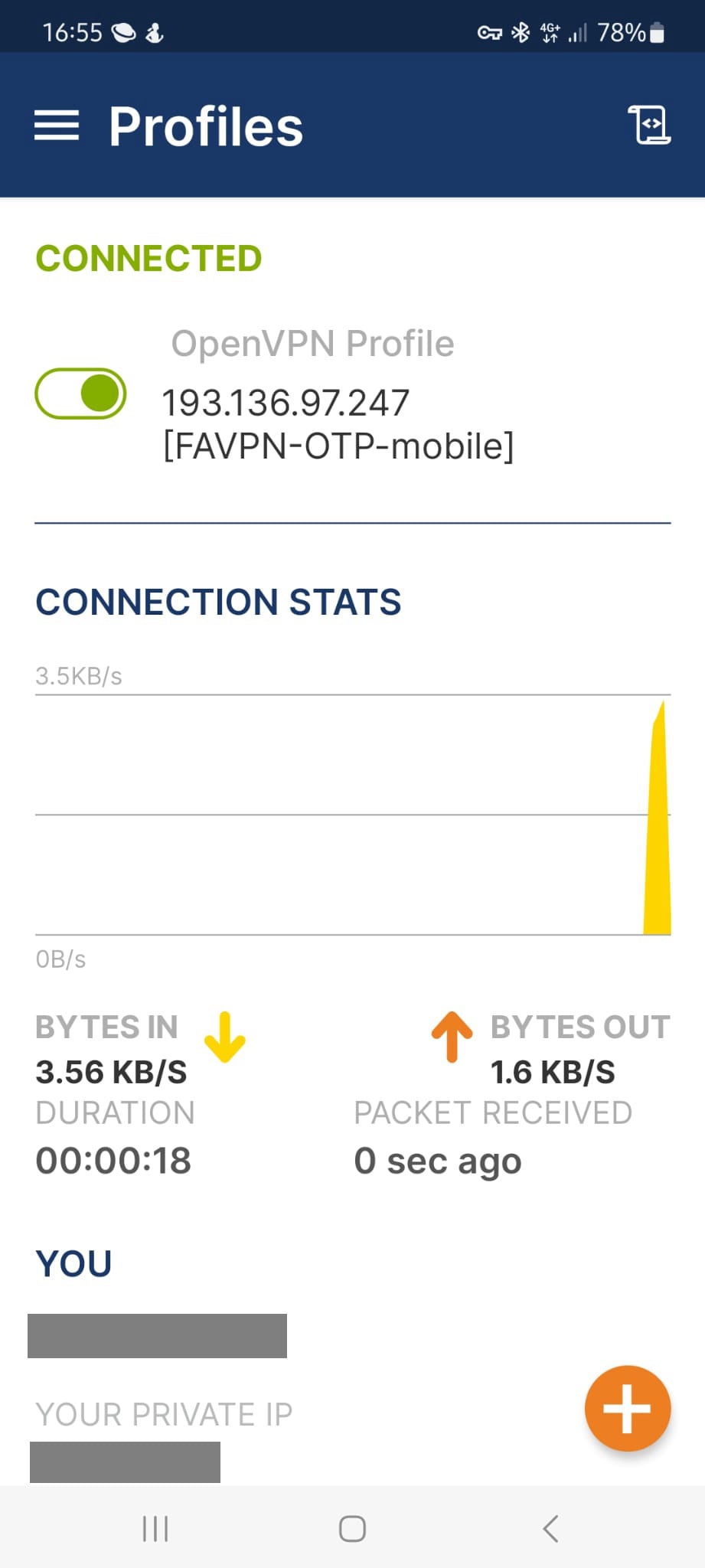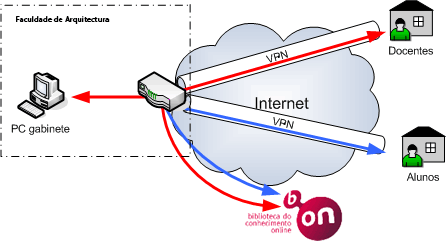
A VPN is a virtual private network that enables access to the Faculty internal network from an internet connection.
VPNs use security technologies that ensure authentication, confidentiality and integrity in communications.
FA provides a VPN solution to its users.
VPN access establishes a secure connection between your home computer and the Faculty server. Authenticated users can access internal Faculty resources and specific external services as if they were on the internal Faculty network, including bibliographic research services such as b-on. It can also be used to access office computers when authorized.
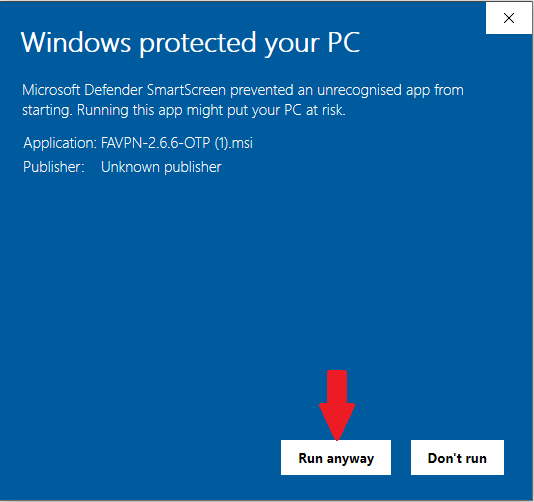
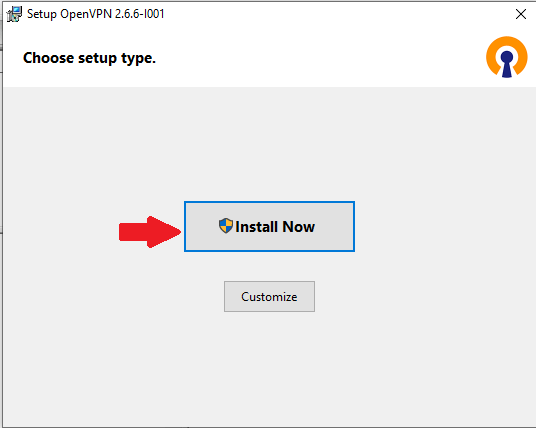
Windows:
- Download OpenVPN Connect with integrated profile
If OpenVPN is already installed, before continuing you should uninstall it and remove the previous profile.
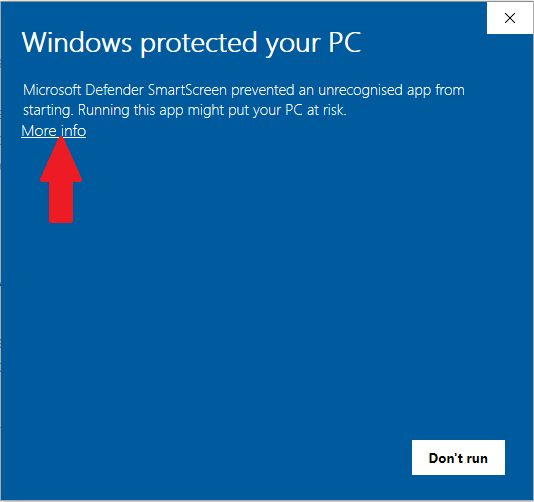
Follow the steps below:
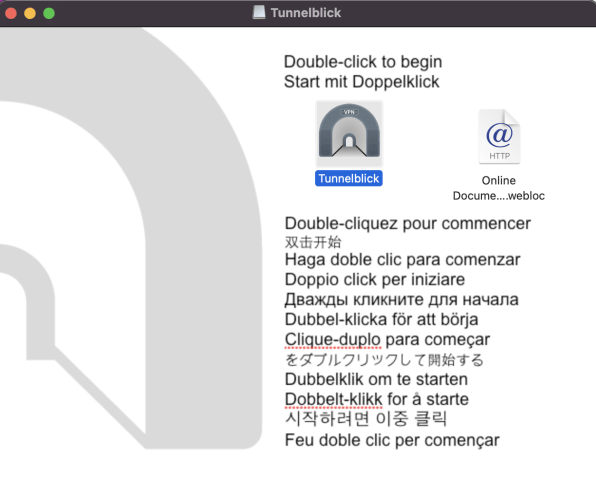
Mac OS:
- Download Tunnelblick + ficheiro de perfil
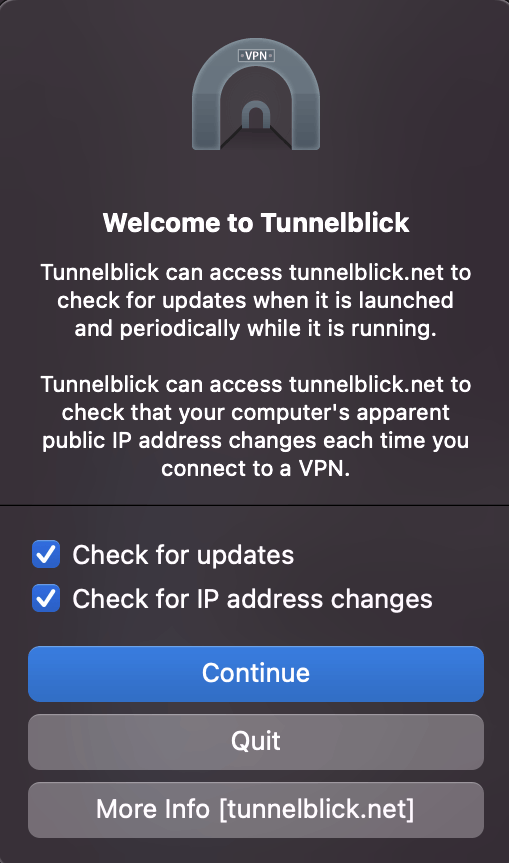
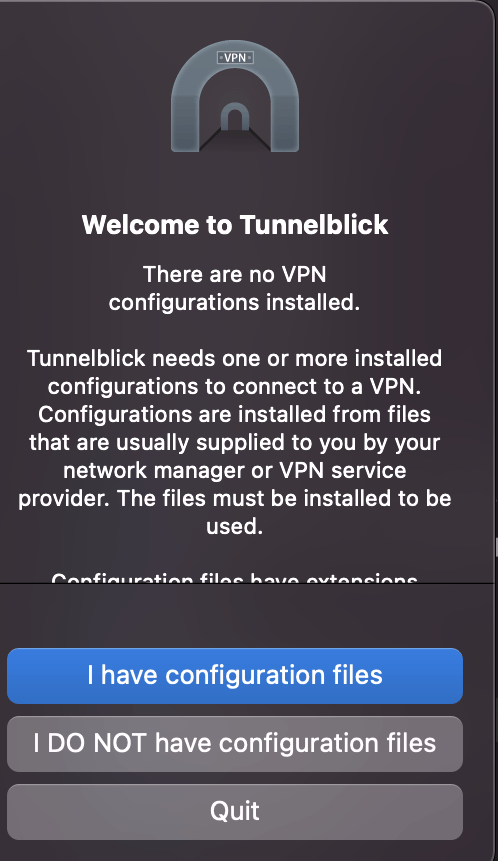
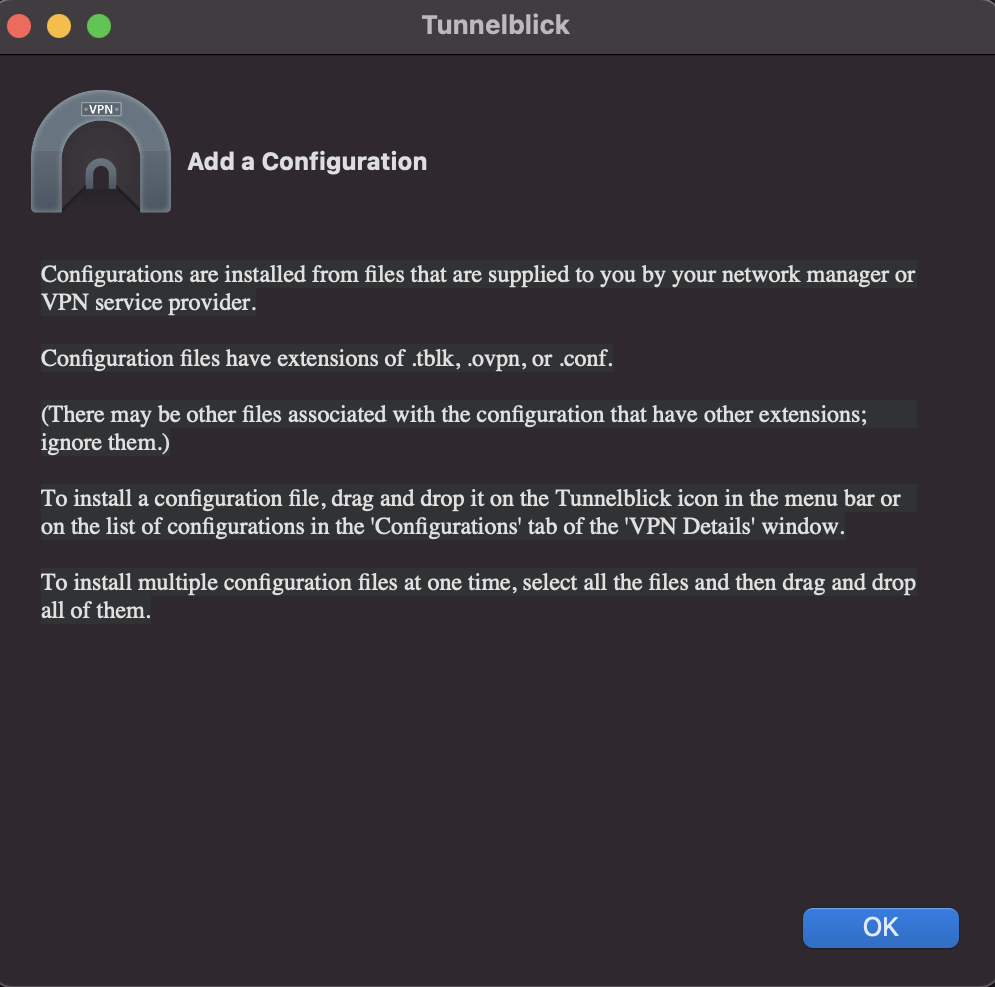
Execute o ficheiro Tunnelblick_3.8.8d_build_5779.dmg para efectuar a instalação de OpenVPN Connect seguindo os passos abaixo:
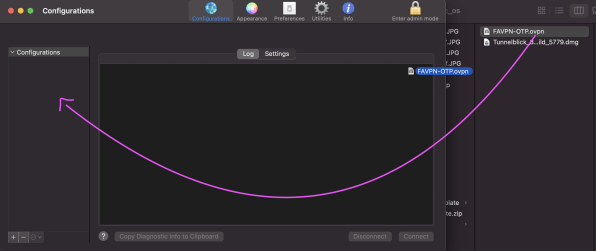
After installing OpenVPN Connect, open the app and import the profile by dragging the profile file to "Configurations" (see image below):
iOS/Android:
- Download OpenVPN Connect:
NOTE: On Android devices, the ".txt" extension may be added automatically to the downloaded file. Remove it before importing the profile.
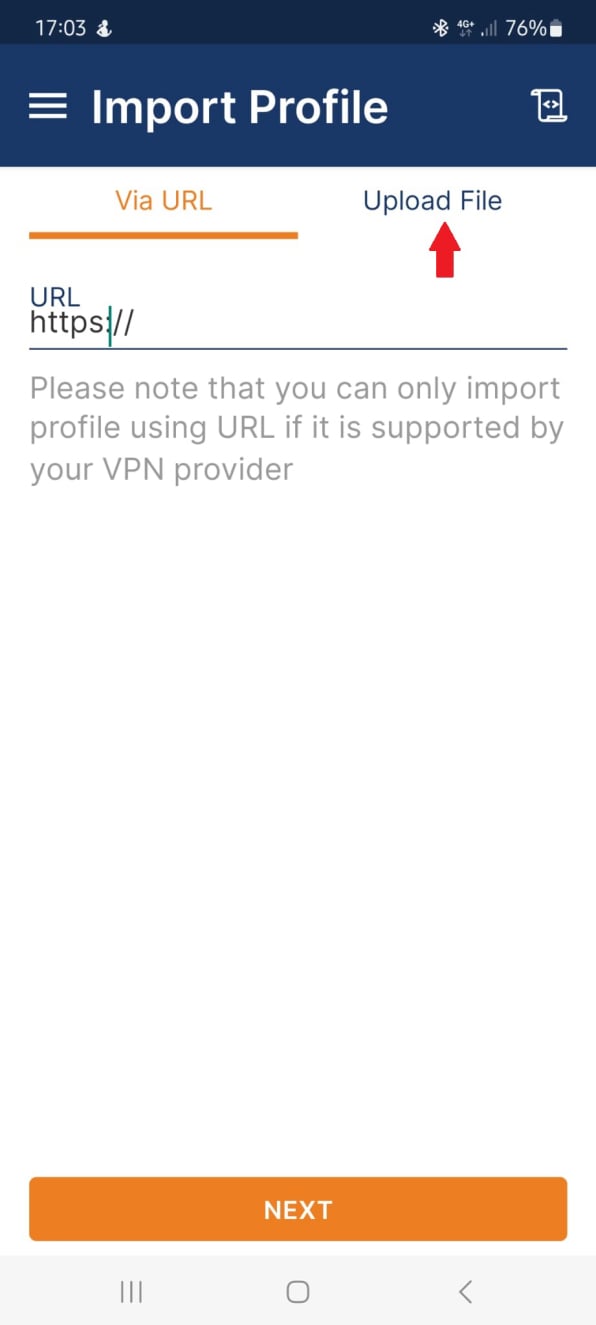
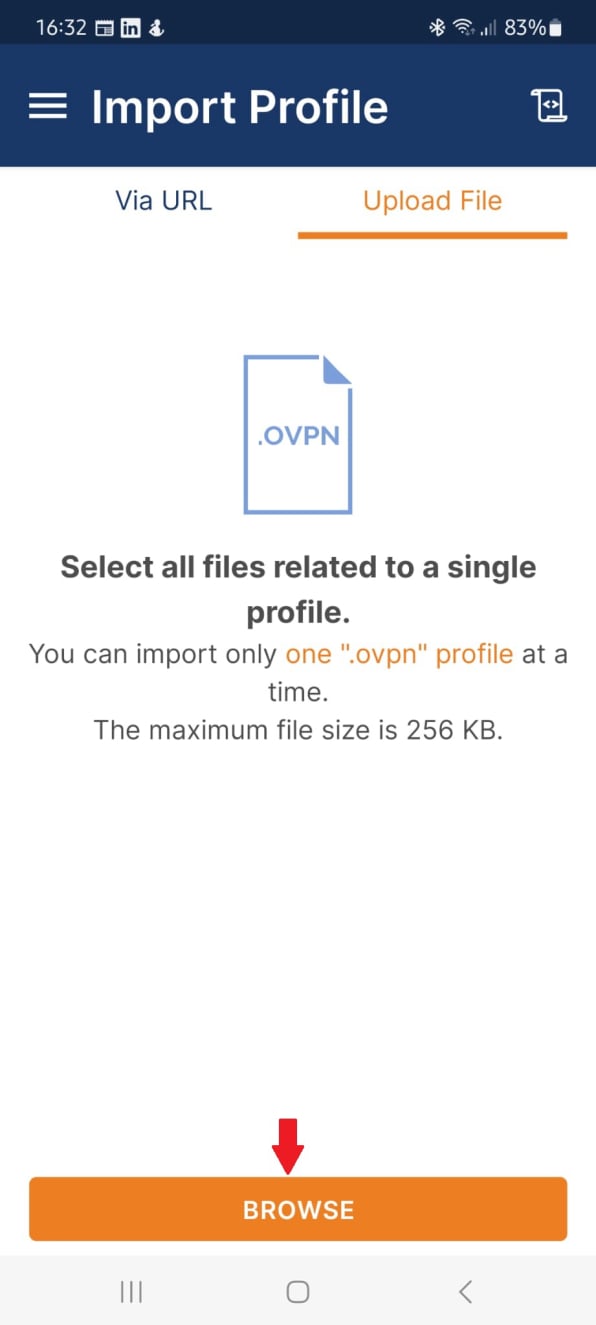
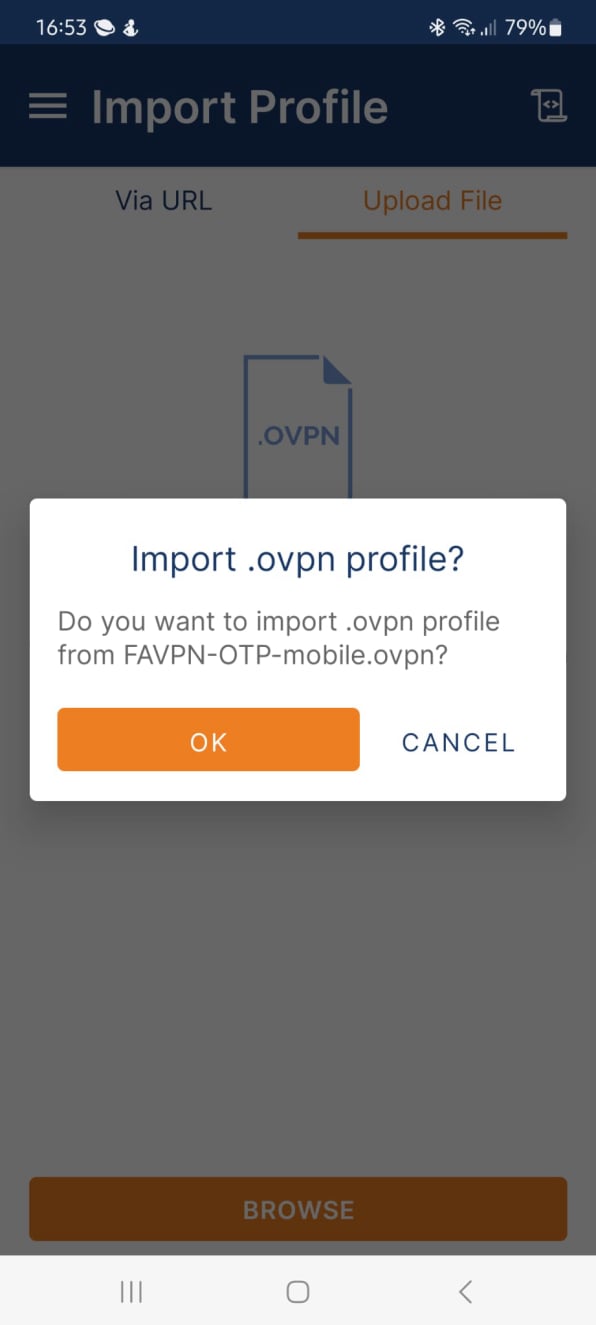
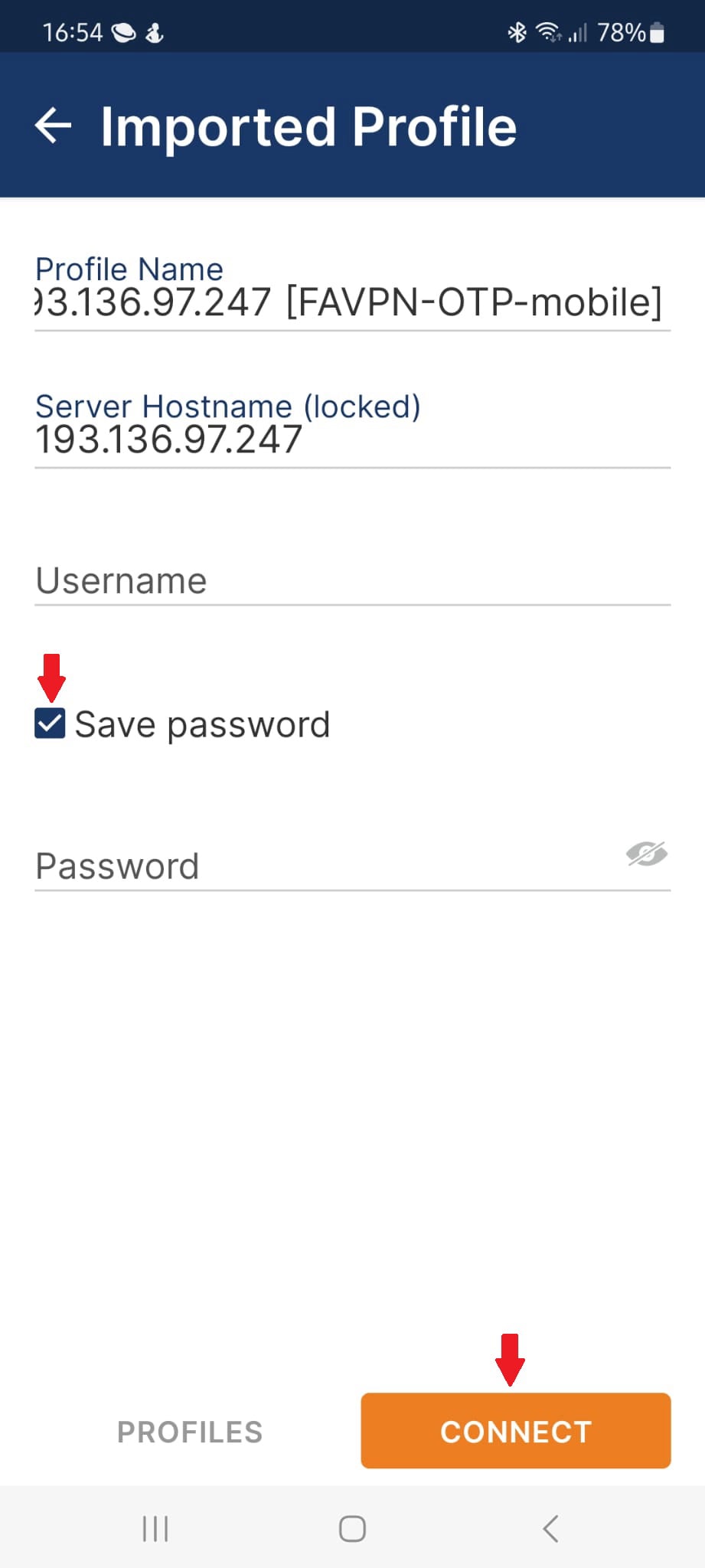
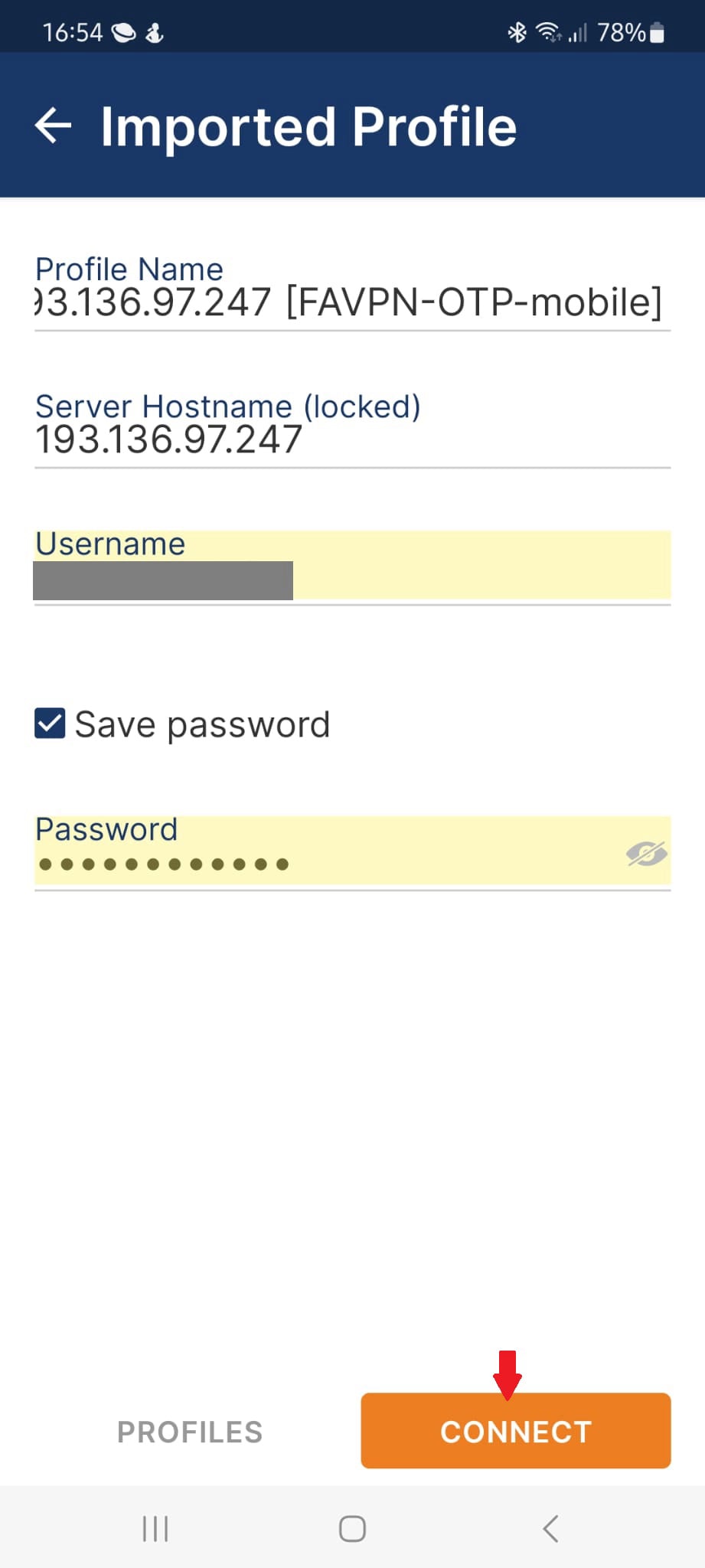
After installing OpenVPN Connect and downloading the profile file, open the app and import the profile by following the steps below: